
01BRIEFING
◎
Goal & audience
Reach new course participants. Address singles and couples, understand their concerns and offer an approachable starting point.
HUMAN DIRECTIONTwo Kizomba Reels demonstrate how I use ChatGPT for creative script and scene drafts – and why the final result depends on critical selection, personal adjustments and execution with real footage .
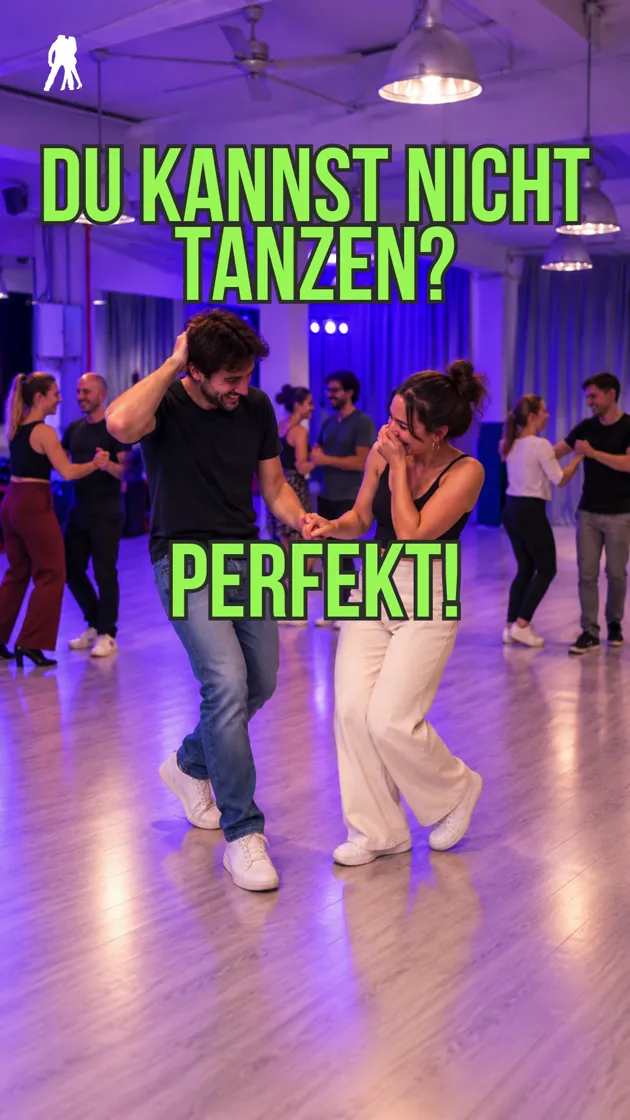 REEL 01 REMOVING BARRIERS
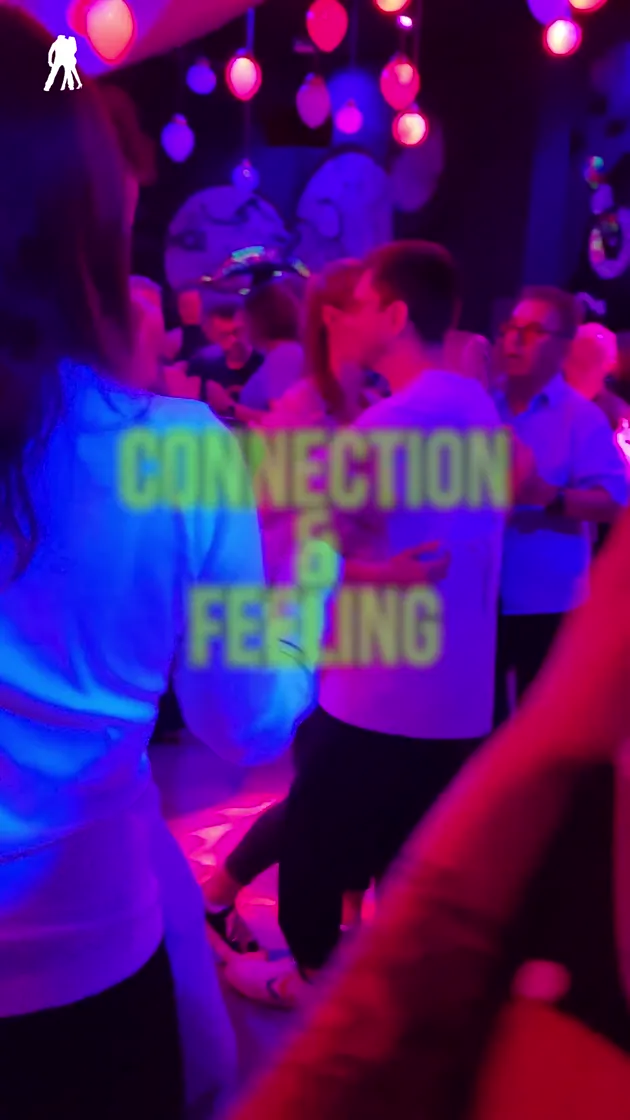 REEL 02 SPARKING EMOTION
I wanted to attract new participants for a Kizomba beginners' course. The Reels target singles and couples aged 25 to 50 – including people with no dance experience or regular partner.
Reduce fear of mistakes and lack of dance skills.
Show the music, connection and sense of community.
Guide interest toward a specific beginners' course and registration.
I started with my own existing course and social-dance footage. No new filming was required for these examples.
This process has been reconstructed from my documented work with the script assistant and my account of video production – not presented as a complete historical chat transcript.
Reach new course participants. Address singles and couples, understand their concerns and offer an approachable starting point.
HUMAN DIRECTIONA ChatGPT script assistant supplies hooks, scene suggestions, text ideas and a structure showing scene, visuals, copy and duration.
CHATGPTCritically assess the copy, remove generic phrases and focus the message.
MY EDITINGAdapt the script and timing to available dance footage, select clips and produce the videos.
REAL FOOTAGE“You are a copywriter for short social-media videos for the KizMe Düsseldorf dance school. […] Write directly, vividly and without superlatives. […] Always output scripts as a table with the columns scene, visuals, voiceover and duration.”
Excerpt from the documented KizMe script assistant instructions, shortened. The original documentation described an audience aged 25–55; for these videos, I describe them as aged 25–50.
The first suggestions were useful for finding ideas but still too generic. A more precise audience description did not initially result in a significant improvement. So I shortened the text, reprioritised scenes and aligned everything with the footage I already had.
The AI provided a starting point, not a video ready to publish.
When footage already exists, I adapt the AI draft to match it. Alternatively, scene and directing instructions can guide new filming or AI video generation with suitable tools. Both examples here use previously recorded, real footage.
These are the actual videos from the project. The texts were developed with AI assistance, then shortened and aligned with available footage by me.
Strategy: Remove barriers to entry.
This video helps beginners overcome the fear of getting it wrong. Course footage supports messages such as “No experience needed” and “You can come on your own”.
View scenes & text ↓Strategy: Emotional motivation.
Rather than explaining dance steps, this video conveys an experience. Social dance footage illustrates music, encounters and community.
View scenes & text ↓Both videos show real dancing. AI was used to support planning; the dance footage itself was not AI-generated.
The following transcripts were reconstructed from the on-screen text and corresponding footage. Timings are approximate; the audio tracks were not transcribed word for word.
Direct hook → Address concerns → Invitation
| Time | Original on-screen text (translated) | Visuals shown |
|---|---|---|
| approx. 0–5 s | “Can't dance yet? Perfect!” | A relaxed dance scene with a couple in a group. |
| approx. 5–8 s | “Don't know how to dance Kizomba yet?” | Close-up of a beginner couple practising. |
| approx. 8–12 s | “That's exactly what our beginners' course is for.” | Course footage of participants learning together. |
| approx. 12–16 s | “No prior experience. You can come on your own.” | Alternating scenes from dance classes. |
| approx. 16–22 s | “We'll start from scratch at a relaxed pace – with music, connection and lots of fun.” | Dance lesson with a couple in the foreground. |
| approx. 22–30 s | Course start, time, registration option and invitation. | Kizomba course graphic with specific course details. |
Curiosity → Feeling → Personal experience → Invitation
| Time | Original on-screen text (translated) | Visuals shown |
|---|---|---|
| approx. 0–3 s | “Never heard of Kizomba?” | A couple dancing at a Kizomba social. |
| approx. 3–7 s | “Why do we love this dance?” | A transition between a social and a class. |
| approx. 7–14 s | “Music. Connection. People. Feeling.” | Couples in different rooms and outdoor shots. |
| approx. 14–15 s | “Connection & Feeling” | Social dancing with colourful lighting. |
| approx. 15–21 s | “For us, Kizomba is more than learning steps. It's about feeling the music and connecting with people.” | Class and social-dance footage. |
| approx. 21–25 s | “And if you'd like to try it for yourself…” | Couples dancing together. |
| approx. 25–32 s | Course graphic and “Our new beginners' course starts today.” | Kizomba course graphic with registration link. |
AI helps generate initial hooks, scripts and scene suggestions in a more structured way than drafting every concept from scratch. I did not measure exact time savings for these two videos.
The first output was too generic. I had to focus the copy, adapt the sequence and select suggestions that fitted the audience and the footage available.
The approach can be applied to existing footage, newly filmed scenes or AI-generated videos. Selection and final approval remain editorial responsibilities.